Step onto the mat
Use WASD to walk onto the straw mat at tutorial step 1 of 6.
Fight with katanas in a snowy Japanese valley, challenge players and enemies, forge stronger blades, and roll samurai family names for stat bonuses.
Codes & Rewards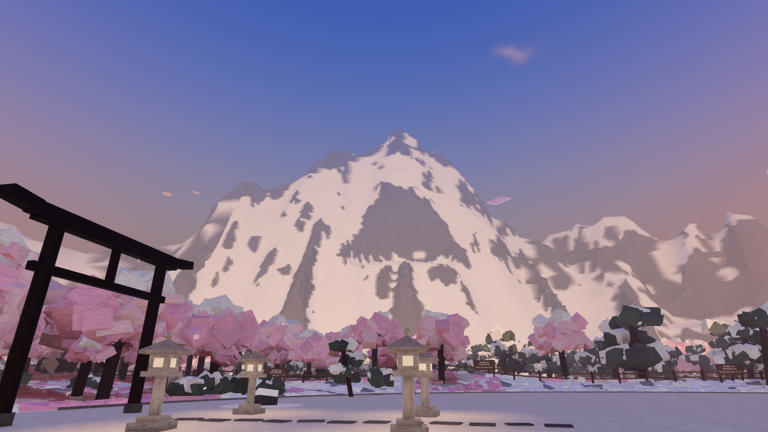
Start the tutorial and recognize your first quest objective.
Use WASD to walk onto the straw mat at tutorial step 1 of 6.
Path of the Sword begins with “Finish the dojo tutorial.”
The dojo recommends a mouse rather than a trackpad.
Find combat help, progression milestones, codes, katana choices, settings and game changes.
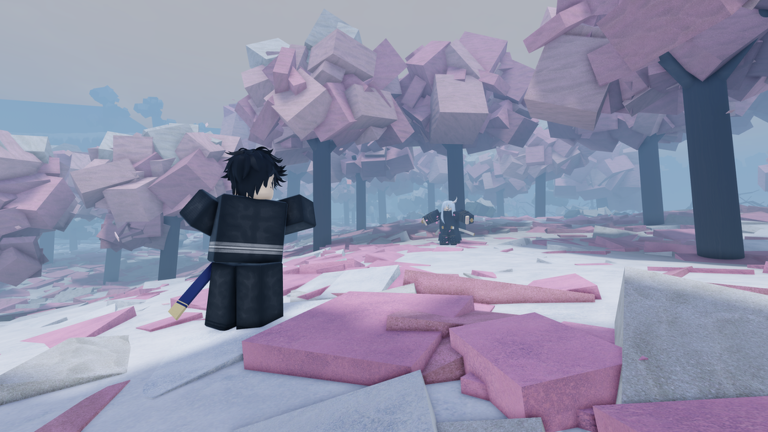
AKAYUKI: Steel Blossoms Red is a Roblox action-fighting experience set in a snowy valley in Japan. Players grow stronger by earning levels from combat, while permanent quests and direct challenges offer additional goals.
Explore ProgressionPlatform
Roblox
Developer
spidermanguy999
Genre
Action · Fighting
Progression
Combat, quests and blade upgrades
Check codes and their rewards.
THANKYOU1KSource checked:
AKAYUKITHANKYOUSource checked:
AKAYUKISource checked:
DISCOMEMBASource checked:
SHOGUNATESource checked:
| Code (click to copy) | Rewards | Status | Source checked |
|---|---|---|---|
THANKYOU1K | 5,000 cash1,000 Rename Spins | Reported active | |
AKAYUKITHANKYOU | 1,000 cash100 Rename SpinsXP | Reported active | |
AKAYUKI | 5,000 cash10 Rename Spins | Reported active | |
DISCOMEMBA | Discombobulate katana skin | Reported active | |
SHOGUNATE | Communiblade katana skin | Reported active |
Compare the draw styles by their attack restrictions and handling.
| Feature | Iai | Dual wield |
|---|---|---|
| Draw style | Draw-cuts only; no calm draw. | Two katanas, drawn together and swung one in each hand. |
| Parry condition | A missed draw-cut can be parried. | A still guard parries its draw-cuts. |
| Handling | Increased dash length and draw speed; faster sheathing. | One katana at each hip. |
Roll in Character and inspect the full buffs after spinning.
Common family-name example.
Uncommon roll kept with Confirm.
Legendary family-name example.
Keep the equipped-sword attack input close at hand.
On PC, press E to equip your katana; with it equipped, hold left click and swipe right to attack. Use WASD to move.
Check the five-level forge milestones through level 50.
Blade upgrades unlock every five character levels, ending at level 50. Visit the forge after reaching a milestone.
Match each cost or recovery effect to its draw style.
| Style and action | Poise effect |
|---|---|
| Iai draw-cut — version 1.3.11 | Costs 40 poise. |
| Iai kill — version 1.3.11 | Restores 40% poise. |
| Dual wield: R blood flick | Fully restores poise. |
Find the Mouse Sensitivity option on desktop.
On desktop, follow M → Settings → Mouse Sensitivity to change mouse speed.
Quick answers for your first fights, upgrades and family-name rolls.
Practice your first slash, plan your next blade upgrade, or enter the Roblox experience.